AI Note Takers Compared 2026: Privacy, Price, and Accuracy
Fathom is the best free start, Fireflies is the best value paid seat, and Granola is the pick if you never want a robot in your calls. Here is the privacy, price, and accuracy test behind those picks.
The short answer: For most small teams in 2026, Fathom is the best free start, Fireflies is the best value paid seat at $10 a month on annual billing, and Granola is the best pick if you do not want a bot in your calls. Pick by one question first: do you want a bot in the meeting, or not?
Key numbers at a glance
- $0 Fathom free plan: unlimited recordings and transcriptions, with advanced AI summaries limited to your first 5 calls a month
- $10 Fireflies Pro per seat a month on annual billing, versus $18 billed monthly
- $8.33 Otter Pro per user a month on annual billing, versus $16.99 billed monthly, with 1,200 minutes a month
- $14 Granola Business per user a month, bot-free on every plan, with 30 days of history on the free plan
- 300 minutes Otter free plan a month, capped at 30 minutes per conversation
- 400 minutes Fireflies free plan team storage, with limited AI summaries
- 10 calls a month is the threshold below which a free plan plus one paid seat for the person who runs client calls may be enough, instead of paying for the whole team from day one.
- 30 minutes saved per meeting is what the tool saves you in writing notes from scratch, and it does not save you the 2 minutes of checking the summary before you send it to a client.
- 15 dollars a seat is Fathom Team on annual billing, 75 dollars a month and 900 dollars a year for five, beside Fathom Premium at 16 dollars a month for one person
- 5 dollars a seat saved, 10 minutes of cleanup per call is the false economy in the guide: a cheaper seat that needs 10 minutes of cleanup costs more than the expensive tool
Last reviewed: October 2026. Prices come from October 2026 pricing roundups that checked vendor pages in early October. This category reprices often, so check the vendor page before you pay.
Here is a scene every founder knows. A client call ends, you agreed to three things, and by the next morning you remember one of them clearly, one of them vaguely, and one not at all. You scroll back through your notes and find a half sentence that made sense at the time and means nothing now. That is the whole case for an AI note taker. Not magic, not a second brain, just a reliable record of what was actually said, who said it, and what happens next.
I spent the last few weeks comparing the tools small teams actually buy: Otter, Fireflies, Fathom, Granola, and Notta. I looked at how they capture a call, how clean the transcript reads, what happens to your data, and what a team of five really pays over a year. I did not test them in a lab. I tested them the way you will use them: on real Zoom, Meet, and Teams calls, with background noise, people talking over each other, and at least one person joining from a car.
The honest headline is that all five do the basic job. They record, they transcribe, they write a summary. The differences show up in the second week, when the free plan runs out of something, when a client asks why a bot is in the call, or when you try to find a decision from a meeting three months ago. That is where this guide earns its keep.
Why does the bot question matter first?
An AI note taker is a tool that records your meetings, transcribes what was said, and turns it into summaries and action items.
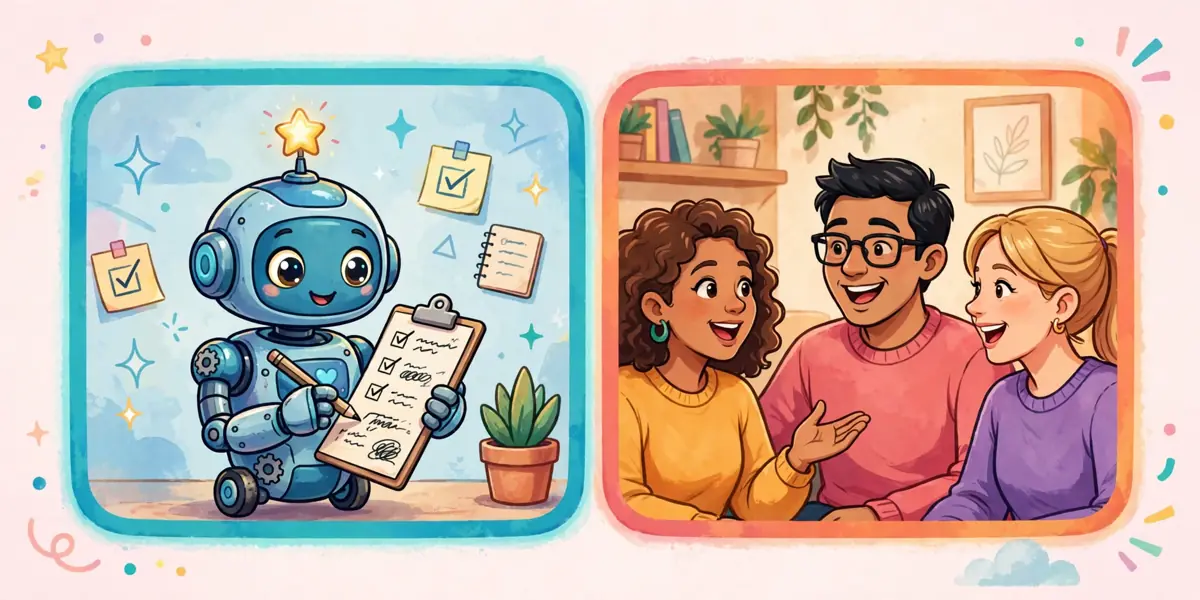
Most AI note takers join your call as a guest. You invite them, or they auto-join from your calendar, and everyone sees a name like "Fathom Notetaker" in the participant list. That is the bot model, and Otter, Fireflies, and Fathom all use it by default. Fathom has a bot-free beta on Mac, and Fireflies has a Chrome extension option, but the standard experience is a visible bot.
Granola works the other way. It records from your own device, so no extra guest joins the call. For internal team meetings, nobody notices or cares. For client calls, it matters a lot. Some clients will ask about the bot, some will sit quietly and dislike it, and some workplaces block outside guests from joining at all. If you sell to larger companies, government offices, or health and finance clients, a bot that cannot get past the lobby is not a small annoyance. It is a missed meeting.
There is a flip side. A bot is obvious, and obvious is honest. Everyone in the call can see that recording is happening, and most tools announce it or show a recording banner. Bot-free recording from your device is quieter, which means the duty to tell people falls fully on you. Say it out loud at the start of every recorded call, and put it in the calendar invite too. "I am recording this with an AI note taker so we both get accurate action items, is that okay?" That one sentence prevents almost every awkward moment later.
One more practical point: bots need calendar access to auto-join, and they sometimes join the wrong meeting, join early, or sit in a call after you leave. Check the settings on day one. Turn off auto-join for every meeting, then turn it on only for the meeting types where you want it, like sales calls and weekly team reviews. You want a tool that waits for your say-so, not one that invites itself everywhere.
What do the accuracy tests actually show?
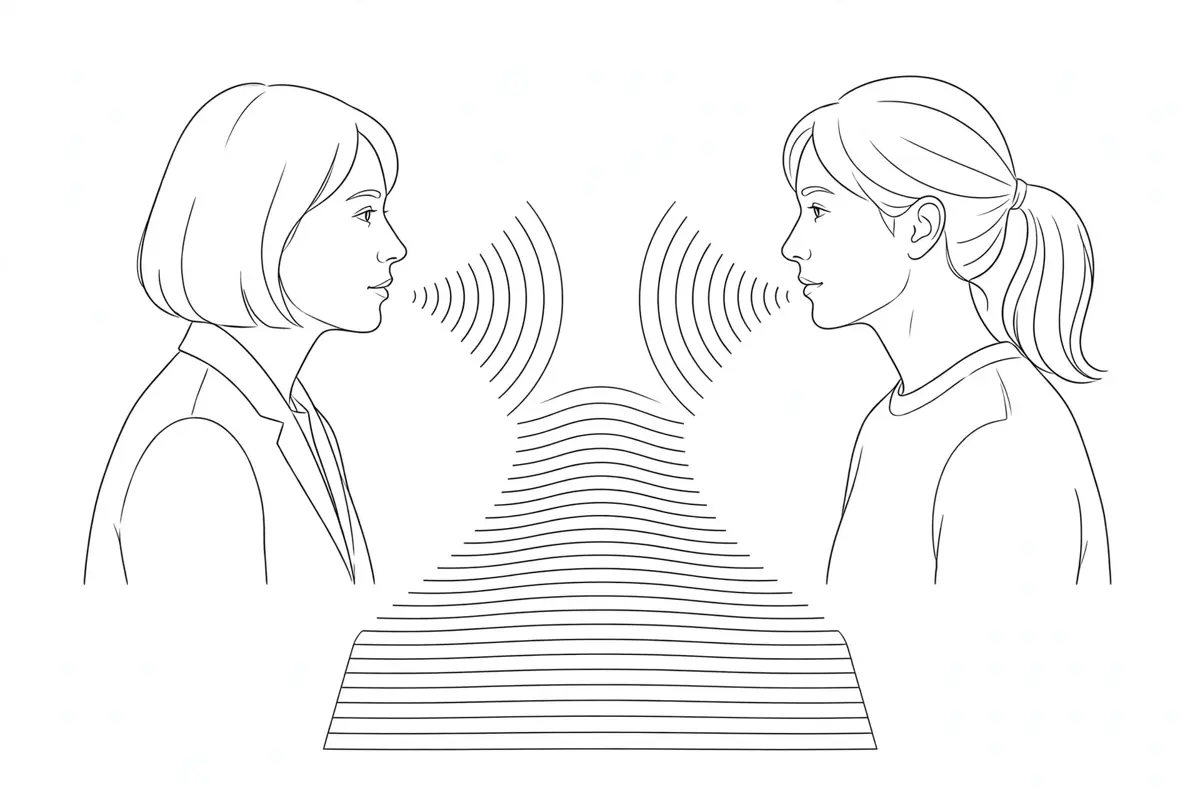
No note taker gets every word right, and any vendor that claims near perfect accuracy is talking about clean audio in a quiet room, not your Tuesday standup. In my testing, all five handled clear, one-at-a-time speech well. Names, numbers, and dates were the weak spots across the board. A product code read out fast, a price with cents, or two people with similar names will trip up every tool at least once.
Where they differed was recovery. Otter and Fireflies gave me transcripts I could search and fix fast, with speaker labels that mostly held up when two voices sounded alike. Fathom summaries were the most readable on first pass, short, structured, and written in plain sentences instead of a wall of transcript. Granola notes felt the most like a human wrote them, because the tool blends the transcript with its own summary, but that also means you should check numbers against the transcript, not trust the summary alone.
Notta earns its place for teams that work across languages. It handles bilingual meetings and translation better than the others on this list, and its free plan gives 120 minutes a month with a 3 minute cap per conversation, which is tight but enough to test it. If your team switches between English and another language on the same call, test Notta first and the rest second.
My rule after testing: never send a summary to a client without a 2 minute check. Read the action items, check every number, date, and name, and fix anything that looks off. The tool saves you the 30 minutes of writing notes from scratch. It does not save you the 2 minutes of checking. Skip that check once and you will send a client the wrong price, and no tool will take the blame for you.
Why should you read the retention policy before you record?

Privacy is where cheap tools get expensive. A note taker holds your sales calls, your hiring calls, your pricing talks, and sometimes your arguments. Before you pick one, answer four questions from the vendor page, not from a blog post: Do they train their models on your meetings? How long do they keep recordings and transcripts? Can you delete a meeting for good, and does that delete it from backups too? And what controls exist on the team plan, like single sign-on, retention limits, and admin deletion?
As a rough guide, paid team plans give you more control than free plans in every case here. Free plans are fine for testing, but if you record client work every day, pay for the plan that lets you set retention and delete data on your schedule. That is not paranoia, it is the same logic as locking the filing cabinet that holds client contracts.
Consent law is the other half, and it is boring until it is not. Some US states and many countries require every person on a call to agree to recording, not just one. Your tool cannot know which law applies to your call. You have to. Put a line in your calendar invites, say it at the start of the call, and keep a note of who agreed. If a client says no, turn it off, take manual notes, and do not argue. One recorded call without consent can cost more than every note taker subscription you will ever buy.
For regulated work, health, legal, or finance, add one more step: ask the vendor for their security page and data processing terms before you sign a team plan, and check whether your client contracts even allow a third party tool on calls. If a contract says no, no note taker is worth breaking it. Use manual notes for that client and move on.
AI note taker pricing: what a small team really pays
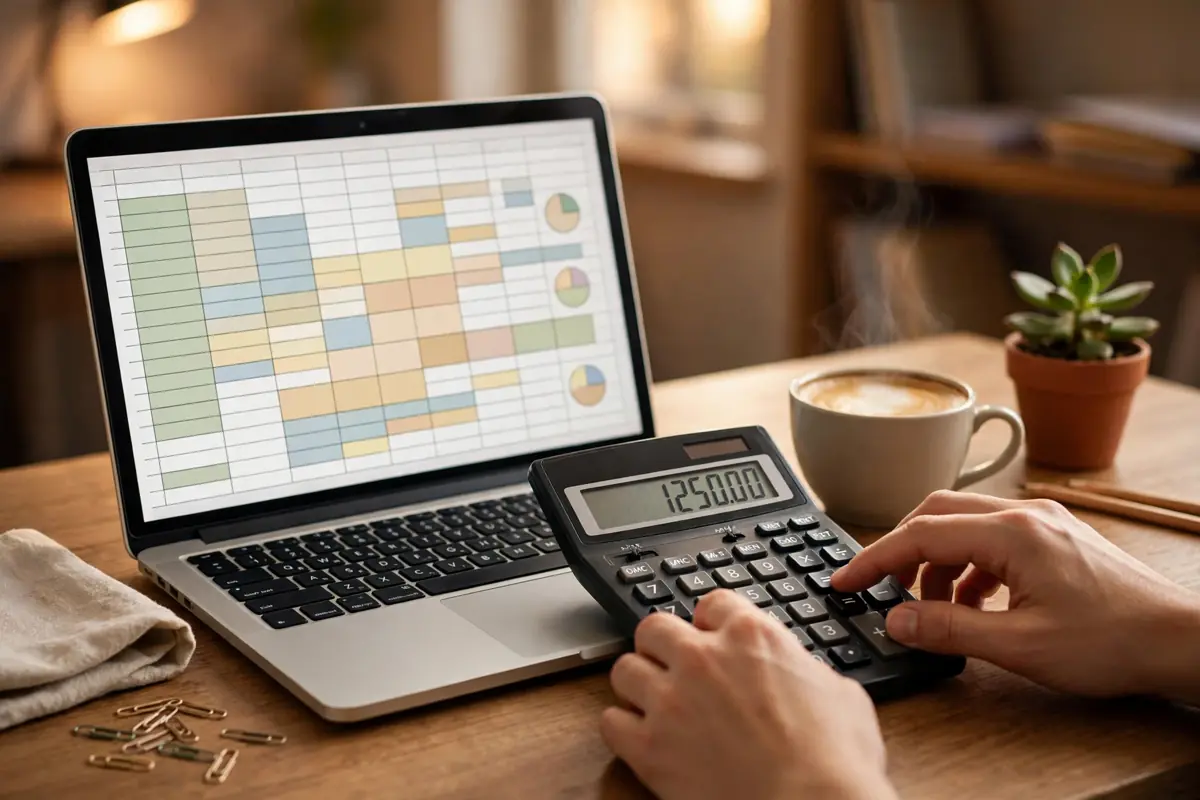
Sticker prices lie by omission. A tool that costs $10 a seat sounds cheap until you multiply it by five people, twelve months, and the add-ons you actually need. Here is the math for a team of five, using October 2026 annual prices from the roundups cited above. Fireflies Pro at $10 a seat is $50 a month, $600 a year. Otter Pro at $8.33 a user is about $42 a month, $500 a year. Granola Business at $14 a user is $70 a month, $840 a year. Fathom Team at $15 a seat on annual billing is $75 a month, $900 a year, and Fathom Premium for one person is $16 a month on annual billing, $192 a year.
Those totals hide the real traps. Fireflies runs some AI features on credits, so heavy users may need credit packs on top of the seat price. Fathom free is generous on recording but limits advanced summaries, so the free plan works as a trial, not a forever plan, if you want full summaries on every call. Otter free caps calls at 30 minutes, which rules it out for anyone whose sales calls run long. Granola free limits history to 30 days, so it works until you need to find a decision from two months ago.
Start free, but set a date to decide. Use the free plan for two weeks on real calls, count how many meetings you actually record, and check which limit you hit first. If you record fewer than 10 calls a month, a free plan plus one paid seat for the person who runs client calls may be enough. If the whole team records daily, buy the team plan and stop paying for five solo plans that do not share search or admin controls. Shared search, by the way, is the feature teams miss most when they buy solo seats: one person can find the decision, the rest cannot.
One cost nobody lists: the time you spend fixing bad notes. A tool that saves $5 a seat but needs 10 minutes of cleanup per call costs you more than the expensive one, if your hour is worth anything at all. Price matters, but cleanup time is price too.
| Tool | Bot joins the call? | Free plan | Paid price, annual billing | Best for |
|---|---|---|---|---|
| Fathom | Yes, by default, with a bot-free beta on Mac | Unlimited recordings and transcriptions, advanced summaries limited to 5 calls a month | Team $15 a seat, Premium $16 a month solo | Best free start |
| Fireflies | Yes, by default, with a Chrome extension option | 400 minutes of team storage, limited summaries | Pro $10 a seat | Best value paid seat |
| Granola | No, records from your own device | Not covered in this guide | Business $14 a user | Best if you do not want a bot |
| Otter | Yes, by default | 300 minutes a month, 30 minutes per call | Pro $8.33 a user | Easiest solo plan |
Which one fits your team

Here is the short version, by team type. Solo founder, mostly internal calls, tight budget: start with Fathom free, add Premium only if you want full summaries on every call. Solo founder, lots of client calls where a bot is unwelcome: Granola Business at $14 a month, and tell clients up front that you record from your own device. Small team, mixed calls, best value: Fireflies Pro, with one person in charge of checking credit use each month so the bill does not creep.
Team that lives in Zoom, Meet, or Teams and wants the simplest setup: Otter Pro, because it is the tool most people have already seen, which means less training. Team with bilingual calls or translation needs: Notta, tested on your actual languages before you commit. Sales team that needs CRM notes and follow-up emails in the same flow: Fireflies Business or Fathom Business, and budget for the CRM sync setup time, because the integration is only useful if someone owns it.
What about using the note taker that comes with your video platform? If you already pay for Zoom AI Companion or Gemini notes in Google Workspace, use that first and spend nothing extra until you can name one thing it cannot do for you. Many small teams buy a second note taker out of habit, then pay for two tools that do the same job. The best note taker is often the one you already own.
And if you are choosing for a team that hates new tools, pick the one with the least setup. Granola and Fathom both start working with very little config. Fireflies and Otter need more calendar and bot settings before they behave. A tool the team will not set up is worse than a slightly weaker tool they will actually use.
How do you set up consent in 10 minutes?
Set this up once and you will avoid most problems. First, turn off auto-join for all meetings, then allow it only for the meeting types you choose. Second, add a recording line to your calendar invite template. Third, connect only the calendar and CRM you actually use, and remove the rest. Fourth, set retention to the shortest period your work allows, 30 or 90 days for most small teams, and turn on auto-delete if your plan offers it. Fifth, give one person admin rights and make them the only person who can change retention, sharing, and deletion settings.
Next, write your one sentence consent script and use it word for word. "Quick note, I record calls with an AI note taker so we both get accurate action items. Is that okay with you?" If anyone says no, stop, and note it in the meeting record so the next person on your team does not ask again. If a client asks where the recording goes, answer honestly: the name of the tool, how long you keep it, and that you will delete it on request. If you do not know the answer, find out before your next call, not during it.
Finally, test the tool on a friendly call first, not a client call. Record a team meeting, read the summary, check the action items, and fix the speaker names. That one test call teaches you more than ten reviews, because you see how the tool handles your voice, your accent, your internet connection, and your habit of interrupting yourself mid-sentence.
Where do action items go after the call?

A note taker that writes great summaries and then leaves them sitting in its own app is only half a tool. The value shows up when action items land where work already happens: your task list, your CRM, or your project board. Fireflies and Fathom both push to common CRMs and task tools, Otter connects to the usual suspects too, and Granola leans on manual export and copy for teams that prefer a lighter setup. Before you buy, test one full loop: record a call, find an action item, and watch it arrive in the tool where your team actually works. If that loop takes more than a few clicks, your team will stop doing it by week three.
Build one small habit around the tool and it pays for itself. After every client call, the call owner spends 2 minutes checking the summary, then sends it to the client with the action items and owners listed. Clients love this, because it proves you listened, and it cuts the "I thought you were doing that" emails to almost zero. Keep a shared folder or channel for call summaries by client, so anyone covering for you can find the last conversation in under a minute.
Review your setup once a quarter. Check which meetings are recorded, who has access, what retention is set to, and whether you still use the paid seats you bought. Note takers are cheap enough that unused seats hide in the budget for months. Cancel the seats nobody uses, and put that money toward the one tool your team actually opens every day.
The bottom line
Pick by the bot question first, before price. If clients or larger buyers block outside guests, a bot that cannot join is a missed meeting, not a small annoyance. Granola records from your own device, while Fathom, Fireflies, and Otter join as a visible guest by default. Say you are recording at the start of every call, whatever tool you choose.
Then price the team of five honestly, not the single seat. Fireflies Pro runs $600 a year, Otter Pro about $500, Granola Business $840, and Fathom Team $900 at October 2026 annual prices. A tool that saves $5 a seat but needs 10 minutes of cleanup per call costs more than the expensive one, so weigh cleanup time with the sticker price.
The habit that makes any of them work is the 2 minute check. Never send a summary to a client without reading the action items and checking every number, date, and name. Set retention to 30 or 90 days, turn on auto-delete where offered, and review paid seats once a quarter. Unused seats hide in the budget for months.
For a team under the 10 call threshold, run the lean playbook. Give the paid seat to the person who runs client calls, keep everyone else on a free plan, and make the call owner spend 2 minutes after every client call checking the summary, then send it with the action items and owners listed. That 2 minute check is the whole quality system: it catches the wrong number, the wrong date, and the wrong name before a client sees them, and it costs less than one bad summary sent in confidence.
Buy the cap, not the price: Otter free stops at 30 minutes a call, Granola free forgets after 30 days, and Fathom free limits advanced summaries to the first 5 calls a month, so match the free plan to the length and frequency of your real calls before paying for any seat.
Frequently asked questions
Is it legal to record a call with an AI note taker?
It depends on where everyone on the call is located. Some places need only one person to agree, others need everyone to agree. Tell people at the start of the call, put it in the invite, and do not record if anyone says no. When in doubt, ask a local professional, because this guide is not legal advice.
Do clients mind a bot joining the call?
Some do, some do not, and the ones who mind rarely say so on the call. If you sell to larger or regulated clients, use a bot-free tool like Granola, or ask permission in advance by email. For friendly small business clients, a bot is usually fine once you explain it in one sentence.
Which AI note taker has the best free plan?
Fathom, for most people. Unlimited recordings and transcriptions, with advanced summaries limited to 5 calls a month. Fireflies free is also strong on transcription, with 400 minutes of team storage and limited summaries. Otter free is the weakest for long calls, at 300 minutes a month and 30 minutes per call.
Can I use an AI note taker for in-person meetings?
Yes, with care. Most tools record from a phone or laptop mic, and Granola handles in-person notes well. Audio quality drops fast in a noisy room, so sit close to the mic, and tell everyone in the room that you are recording. Do not record a private conversation without telling the people in it.
Should I pay for a note taker if my video platform already has one?
Try the built-in one first. Zoom AI Companion and Gemini notes in Google Workspace cover the basics for many teams. Pay for a separate tool only when you need better search, CRM sync, bot-free recording, or translation that the built-in tool does not give you.
For the wider picture, read our 10 AI tools that save small businesses 15+ hours a week for the full stack these note takers sit in, our AI agents for customer support setup guide for what happens after the call ends, and our small business cybersecurity tools guide for locking down the data these tools collect.
Want more practical guides like this?
Browse all 82 guides across 10 categories, no fluff, no paywall.
Browse all guides →Explore Software guides