
Password Manager for Small Business: The One Your Team Will Actually Use
Most small teams do not get hacked through clever attacks. They leak logins through shared spreadsheets, chat threads, and ex-employees who still have the passwords. Here is how to pick a password manager for small business in 2026, roll it out in two weeks, and revoke access in minutes when someone leaves.
The short answer: for most small teams in 2026, my pick is Bitwarden Teams at $4 per user per month, and 1Password Business is the pick if you want the smoothest setup and the strongest admin controls. Start with a two week trial, move your five most shared logins first, and require a second factor for everyone.
Key numbers at a glance
- $4 per user per month for Bitwarden Teams, billed annually, the cheapest serious team plan in 2026
- $24.95 per month for 1Password Teams Starter Pack, covering up to 10 people, the best deal for a team of exactly 10
- $6 per user per month for Bitwarden Enterprise, which adds single sign-on and directory sync
- 2 weeks is a realistic rollout window for a team under 20 people, if you migrate in waves instead of all at once
- Minutes to revoke a departing employee from every shared vault, versus days of password resets without a manager, which is the offboarding gap the rollout plan closes
Why is sharing the real problem, not hackers in hoodies?
Ask a small team how they share logins and you will hear the same story. The Wi-Fi password lives in a Slack channel from 2023. The Instagram login is in a Google Doc called "do not share." The bookkeeper got the bank login by text message, and nobody remembers who else has it. Nothing about this feels dangerous on a normal Tuesday. That is exactly why it is dangerous.
A password manager for a small team is a shared, encrypted vault where the team stores logins, shares them without pasting passwords in chat or docs, and cuts off a departing employee from every shared login in one place.
I have watched a five person agency lose a whole morning because one designer left and took the shared passwords in her head with her. They reset the email, the scheduler, the ad accounts, and the website, one by one, while clients waited. The bill was not the software. The bill was the lost day, plus the quiet worry that one old password was still out there somewhere. A team password manager exists for that Tuesday, not for a movie style hack.
Here is the plain version of what a team password manager does. Every login goes into an encrypted vault instead of a chat thread. Each person gets their own login to the vault, plus access to only the shared vaults they need. When someone leaves, you remove them once and their access ends everywhere. When a password leaks in a breach, you see it flagged and change it in minutes. That is the whole product. Everything else is packaging.

The other thing worth saying early: a password manager does not replace common sense, and it does not make a weak master password safe. Your vault password should be a long passphrase you have never used anywhere else, something like four random words you can actually remember. Turn on a second factor, ideally an authenticator app or a security key, for the vault itself. The US cyber agency CISA keeps repeating the same advice for a reason: use a manager, use long unique passwords, and turn on multi-factor authentication, especially for email, financial, and social accounts. CISA's multi-factor authentication guidance is the boring, correct starting point.
What to compare before you pay for anything?
Price tables make password managers for small teams look the same, so compare the things that actually change your week. I use five tests, and I would run any tool through all five during its free trial before paying.
First, shared vaults and permissions. Can you give the marketing vault to marketing, the finance vault to two people, and nothing else to the intern? If everyone sees everything, you bought a prettier spreadsheet, not a security tool. Second, onboarding and offboarding speed. Adding a new hire should take minutes, and removing a departing employee should take one click, not a password reset marathon.
Third, autofill that people trust. If the browser extension fights with people, they will go back to the spreadsheet. Test it on the five sites your team actually uses every day, not on a demo page. Fourth, admin visibility. You want event logs that show who accessed what, and alerts when a password is weak, reused, or found in a breach. Fifth, recovery. When someone forgets their vault password, how do they get back in without you resetting the whole company? Every vendor answers this differently, and the answer matters most on the worst day.
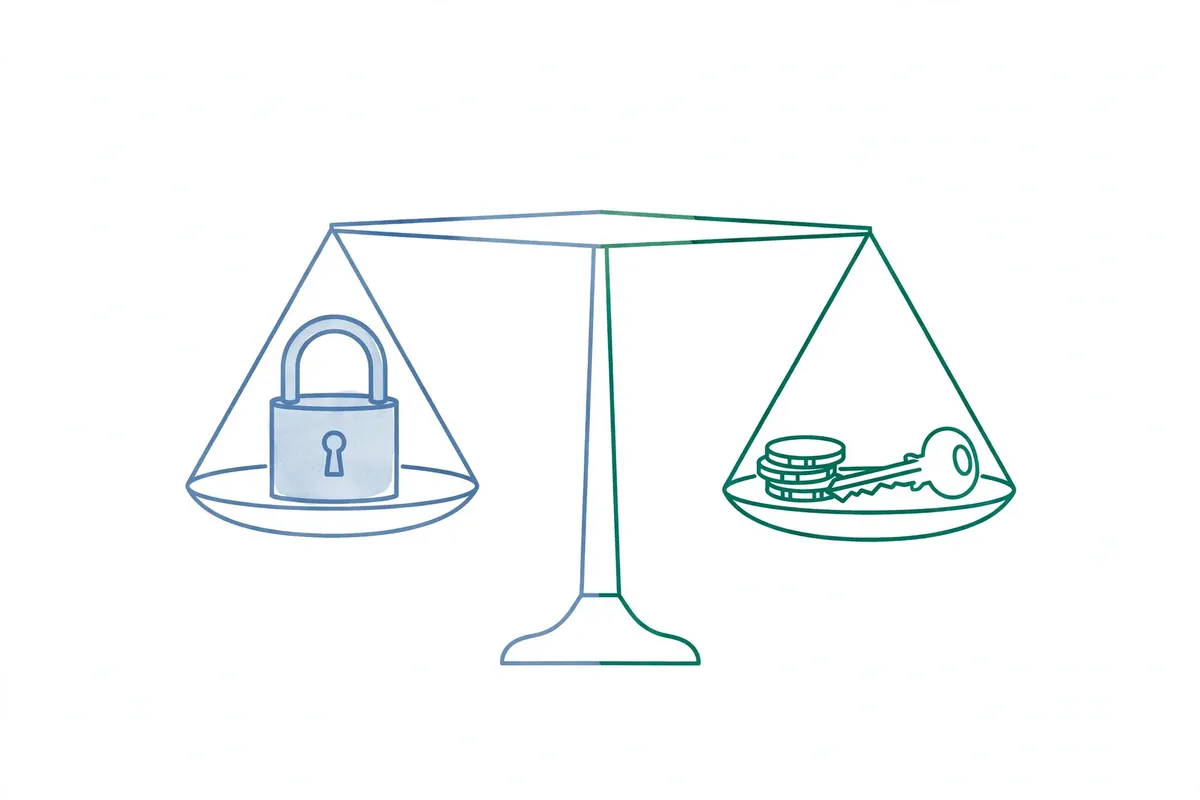
Two features only matter at certain sizes, so do not overbuy. Single sign-on, where staff sign into the vault with their Google or Microsoft login, matters once you have an identity system and an IT person to run it. SCIM provisioning, which creates and removes accounts automatically from your directory, matters around 50 people and up. A team of eight does not need either on day one. Buy the plan that fits this year, and check the upgrade price before you commit, so growth does not force a painful migration later.
Price is not the whole bill
A $4 seat that nobody uses costs more than an $8 seat everybody uses. Adoption is the real price. That is why the trial matters more than the pricing page. Put three real people on it for a week: your most patient person, your most impatient person, and the person who still writes passwords on paper. If all three can sign in, find a login, and share one without asking you for help, you have a winner. If two of them give up, pick the other tool, even if it costs more.
How do six password managers for small business compare?
Prices below are published 2026 team prices, billed annually, and they change, so check the vendor page before you buy. The pattern matters more than any single number: Bitwarden is the value leader, Keeper is the budget surprise, 1Password is the premium pick, and the rest win on specific strengths.
| Tool | Team price | Best for | Watch out for |
|---|---|---|---|
| Bitwarden Teams | $4 per user per month | Best value, open source, self-hosting option | Enterprise features need the $6 tier |
| 1Password Teams Starter | $24.95 per month for up to 10 | Teams of up to 10 that want polish | Full Business tier costs more per seat |
| 1Password Business | About $8 to $9 per user per month | Smoothest adoption, strong admin controls | Price climbs fast past 20 people |
| Keeper Business | From about $2 to $4 per user per month | Lowest entry price, compliance features | Full SSO and SCIM need Enterprise |
| Dashlane Business | About $8 per user per month | Dark web monitoring and risk alerts | Extras add complexity some teams ignore |
| NordPass Business | From about $2.49 per user per month | Simple setup for Google Workspace teams | Advanced provisioning needs Enterprise |
| Proton Pass Business | From about $2 to $4.49 per user per month | Privacy-first teams already on Proton | SSO needs the Professional tier |
Run the math for your actual headcount before you fall in love with a per-seat number. A team of 10 pays $24.95 a month on 1Password Teams Starter, versus $40 on Bitwarden Teams. A team of 50 pays roughly $400 a month on 1Password Business versus $200 on Bitwarden Teams or $300 on Bitwarden Enterprise. That gap, about $2,400 a year, is real money, and it is worth weighing against how much time the nicer admin console saves you each month. If 1Password saves your ops person three hours a month, it pays for itself. If nobody touches the admin console, it does not.
One more honest note on LastPass. It is the name most people recognize, and it still works, but it has suffered multiple security incidents in recent years, and most 2026 comparisons recommend it only with reservations. If you are already on it, migrating to Bitwarden or 1Password is a weekend project, not a rebuild, and this guide's rollout plan works for that move too.
1Password vs Bitwarden for small business: which one wins the honest head to head?
Most small teams end up choosing between these two, so let us settle it plainly. Bitwarden wins on price and transparency. It is open source, which means independent researchers can inspect the code, and it has never suffered a vault breach. Its free tier is genuinely useful for individuals, and its $4 Teams plan covers shared vaults, event logs, and directory sync basics. If your budget is tight or your team is technical, start here and you will probably stop looking.

1Password wins on the experience. The apps feel finished on every device, the browser extension rarely gets in the way, and features like Travel Mode, which hides selected vaults when you cross a border, and Watchtower, which flags weak and breached passwords, are the kind of thing people actually open. For a non-technical team, that polish is not a luxury. It is the difference between a tool everyone uses and a tool two people use while everyone else keeps the spreadsheet.
Here is my rule of thumb. If your team is under 10 people, try 1Password Teams Starter first, because $24.95 a month flat is hard to beat and the setup is the easiest of the bunch. If your team is 10 to 50 people and price matters, try Bitwarden Teams first. If you need single sign-on or strict compliance reporting, compare 1Password Business against Bitwarden Enterprise side by side, with the same five test accounts, before you sign anything. A detailed October 2026 pricing roundup confirms the gap: 1Password Business around $8 to $9 per seat against Bitwarden Teams at $4 and Enterprise at $6. That pricing comparison is worth a read before you budget.
What about the others? Keeper is the sleeper pick if you work with regulated clients and want compliance reporting without enterprise pricing. Dashlane is the pick if breach alerts and credential risk scoring matter more to you than saving $3 a seat. NordPass is the pick if your whole company lives in Google Workspace and you want the shortest learning curve. Proton Pass is the pick if privacy is your brand and your team already uses Proton Mail. None of these is a bad choice. The bad choice is another year of shared passwords in chat.
How do you roll out in two weeks without a revolt?
Rollouts of password managers for small teams fail when they feel like homework. The fix is to migrate in waves, celebrate the first win, and never ask anyone to move 200 passwords on day one. Here is the two week plan I would run for a team of 5 to 20 people.
Week one, days 1 to 3: pick your tool, set up the admin account, and create three vaults. One for the whole company (Wi-Fi, office tools), one for each department, and one private vault per person that nobody else can see. Turn on the second factor requirement for the vault, and write down the recovery process in one page. Days 4 to 7: migrate the five most shared logins first. Those are usually email admin, social media, the website, the bank view login, and the ad account. Test them with the people who use them daily, and fix the autofill quirks before you go wider.

Week two: migrate department by department, one vault per day, and hold a 20 minute training session that covers exactly three skills. How to save a new login, how to share a login without copying it into chat, and how to generate a strong password. That is it. Nobody needs a lecture on encryption. Then set a deadline, say Friday, after which shared passwords in chat and docs get deleted. People accept a deadline when the replacement already works. They resist a deadline when it does not.
Two mistakes to avoid. First, do not let the founder keep a private spreadsheet "just in case." That spreadsheet becomes the backup everyone uses, and it defeats the whole project. Second, do not skip the recovery test. Have one volunteer lock themselves out on purpose during week one and recover with your documented process. Finding out the recovery process is broken during a real lockout is a miserable way to learn.
Why is offboarding the feature that pays for itself?
If you only care about one admin feature, care about this one. When someone leaves, you remove them from the vault system once, and their access to every shared login ends at the same time. Compare that with the old way: a spreadsheet of every account they touched, a reset for each one, and a nagging doubt about the accounts you forgot. For a team with even modest turnover, this feature alone justifies the subscription.
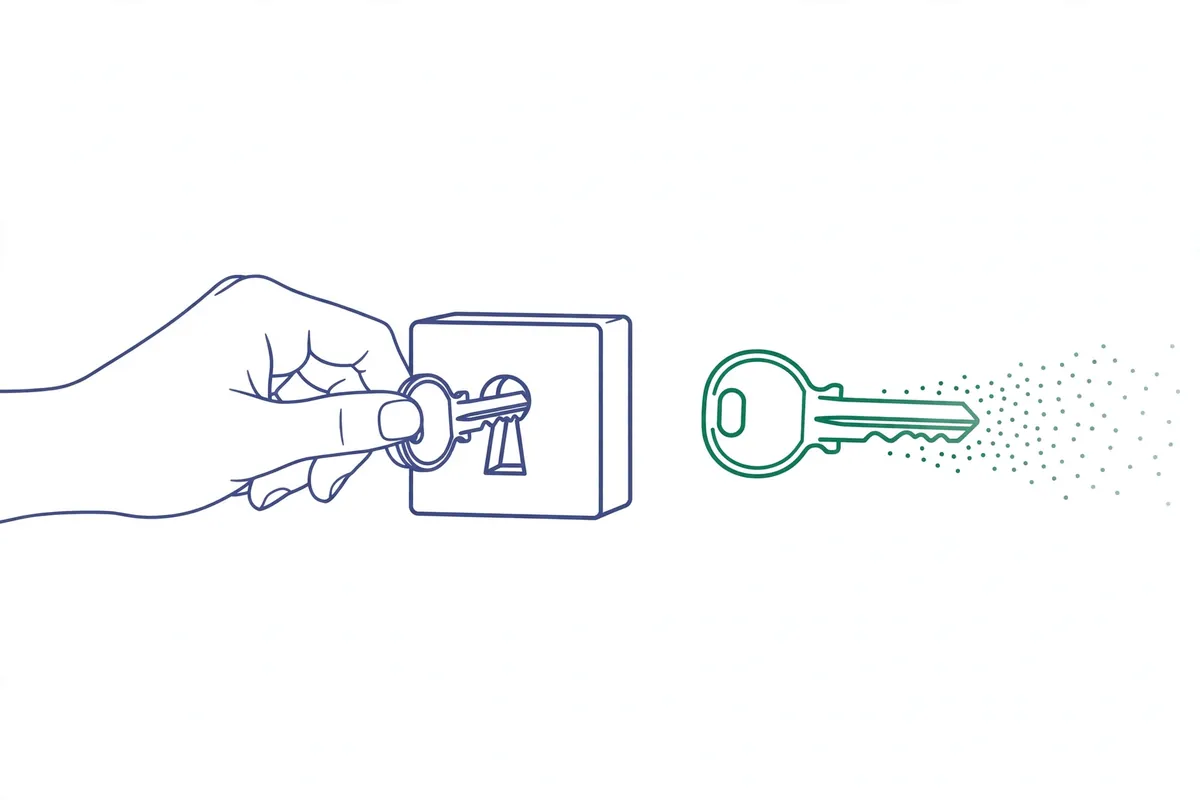
Build a simple offboarding checklist and keep it next to your payroll checklist. Remove the person from the vault system. Transfer ownership of any vaults they managed. Rotate the three most sensitive shared passwords they knew, even though their vault access is gone, because passwords can be copied while someone still has access. Review the event log for unusual exports in their last week. That last step sounds paranoid, and it takes two minutes, and it is exactly the kind of thing that saves a company once every few years.
The same logic applies to contractors. Give a freelancer a guest or limited account that sees one vault, not your whole company. Set a calendar reminder for the end of their contract to remove them. I have seen agencies discover, months later, that a contractor from a finished project still had the social media login. A vault with expiry dates on guest access prevents that discovery from ever happening.
Are passkeys replacing passwords yet?
You will hear that passkeys kill passwords. The direction is right, but the timeline is slower than the headlines suggest. A passkey replaces a password with a cryptographic key pair tied to a site, and it cannot be phished the way a password can. Apple, Google, and Microsoft all support them now, and CISA urges phishing-resistant authentication wherever it is available. For your most important accounts, email first, turn on passkeys or a security key this month.

But most of the tools your business uses every day still run on passwords, and they will for years. Your bank portal, your old booking system, your supplier account, your industry software from 2019: all passwords. A password manager is what makes unique, long passwords for all of them practical, and most managers now store passkeys too, so the two work together instead of competing. Buy the manager now, adopt passkeys account by account as sites offer them, and do not wait for a passwordless future that has not arrived for your stack yet.
One practical tip: when a site offers a passkey, save it in your password manager rather than in a single device's built-in keychain, so it travels with the person who needs it and survives a lost phone. And keep a security key, a small USB device like a YubiKey, for the accounts that matter most. Two keys, one at the desk and one in a drawer at home, is the cheapest insurance in this whole guide.
Your 30 day plan, in one page
Days 1 to 3: trial one tool with three people and your five most used sites. Days 4 to 7: pick the winner, set up vaults, turn on the second factor requirement, and migrate the five most shared logins. Days 8 to 14: migrate department by department, train everyone in 20 minutes, and delete shared passwords from chat and docs. Days 15 to 30: rotate any password that was ever shared in chat, set up breach alerts, write the one page offboarding checklist, and test account recovery with a volunteer.
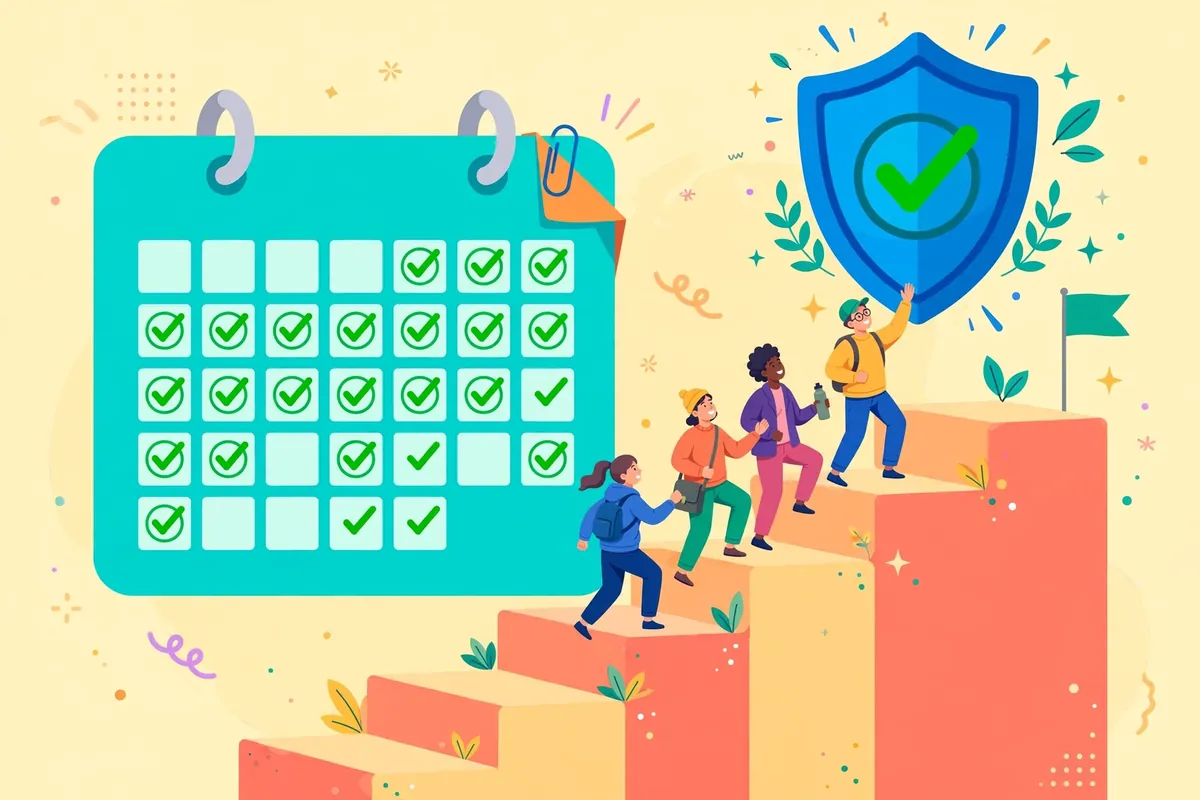
At the end of the month, you will have spent somewhere between $20 and $160, depending on team size, and you will have closed the most common way small companies actually get compromised: a reused, shared, or never-revoked password. That is a good trade, and it is one of the few security purchases where you can feel the difference the same week you make it. If you want the next layer after this, read our guide to small business cybersecurity tools that actually work, which covers backups, two-factor authentication, and endpoint protection in the same plain style.
The bottom line
Password managers for small teams in 2026 come down to a simple choice. Bitwarden Teams at $4 per user per month is the best value and the right default for most teams. 1Password, with its $24.95 Teams Starter Pack for up to 10 people, is the pick when adoption matters more than price, because the tool your team actually uses beats the cheaper tool they avoid. Either way, start this week, migrate the five most shared logins first, require a second factor, and write the offboarding checklist before you need it. The worst password manager is the spreadsheet you are already using.
Frequently asked questions
What is the best password manager for a small team in 2026?
Bitwarden Teams at $4 per user per month is the best value for most small teams, thanks to open source code, shared vaults, and event logs. 1Password is the better pick if your team is non-technical or under 10 people, because its $24.95 Teams Starter Pack is cheap at that size and its apps are the easiest to adopt.
How much does a password manager cost for a 10 person team?
About $25 to $40 a month on entry plans: $24.95 flat for 1Password Teams Starter Pack, or $40 for Bitwarden Teams at $4 per seat. Full business tiers cost more, roughly $80 to $90 a month for 10 people, so check the upgrade price before you commit.
Is a password manager safe if it gets hacked?
Reputable managers use zero-knowledge encryption, which means the company cannot read your vault even if its servers are breached, because only your master password unlocks it. That is why your master passphrase must be long, unique, and protected with a second factor. No tool is magic, but a vault is far safer than reused passwords in chat and docs.
What happens when an employee leaves?
You remove them from the vault system once, and their access to every shared login ends immediately. Then rotate the most sensitive shared passwords they knew, transfer ownership of vaults they managed, and check the event log. The whole process takes minutes, versus a day of resets without a manager.
Do I still need a password manager if I use passkeys?
Yes, for now. Passkeys are the future and you should turn them on for email and other major accounts, but most business tools still use passwords, and they will for years. Most password managers store passkeys too, so the two work together.
Want more practical guides like this?
Browse all 90 guides across 10 categories, no fluff, no paywall.
Browse all guides →Explore Software guides